The Psychology of Persuasion in Websites
A website can be treated as a billboard. You write down basic information, contact details, offer and wait for the client to get in touch.
But you can do it better. You can do more.
What is the psychology of persuasion?
The psychology of persuasion is knowledge about how people decide — and how a message, a page layout, or the order of arguments helps or breaks that decision. On a website this is not about tricks. It is about the visitor knowing what to do next and feeling that the risk is under control.
Business psychology and the website
Business psychology asks the same questions at company scale: why the client buys, where they stall, and what calms them down. On a page you see it immediately. A hero that promises nothing, a price with no anchor, three buttons instead of one — that is not taste. That is a decision process left to chance.
That is why I combine IT with business psychology. Technology should walk a person through a decision, not only look modern.
How better?
Instead of focusing only on content, we can use persuasion mechanisms known from psychology to guide the client by the hand to achieve the goal.
I combine IT with business psychology and over time I know this: people don't buy what's best. They buy what they FEEL is best and easiest to get.
It's about taking control of the client's decision-making process. See what it looks like from a click perspective:
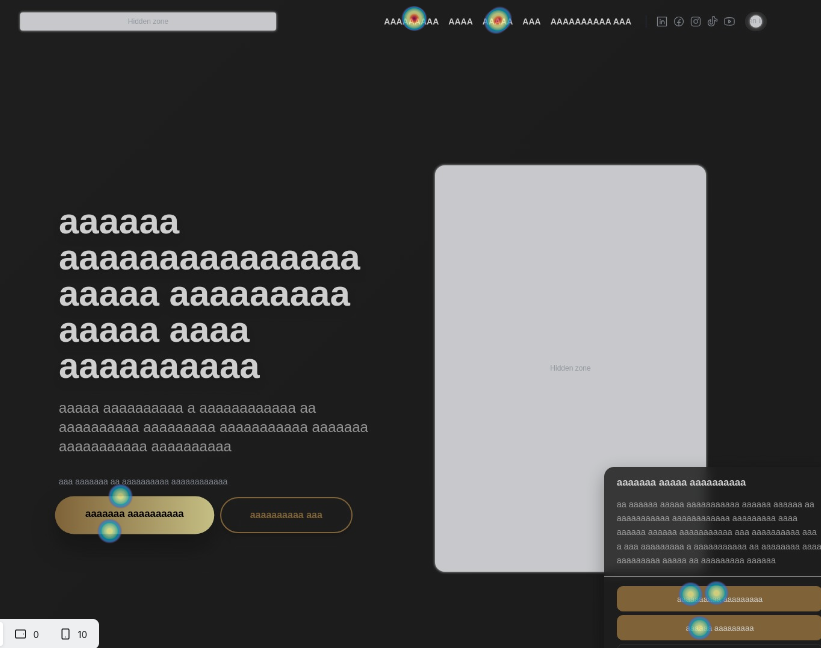
A process model of persuasion
Here is the 7-step model I implement for my clients so that the website effectively sells:
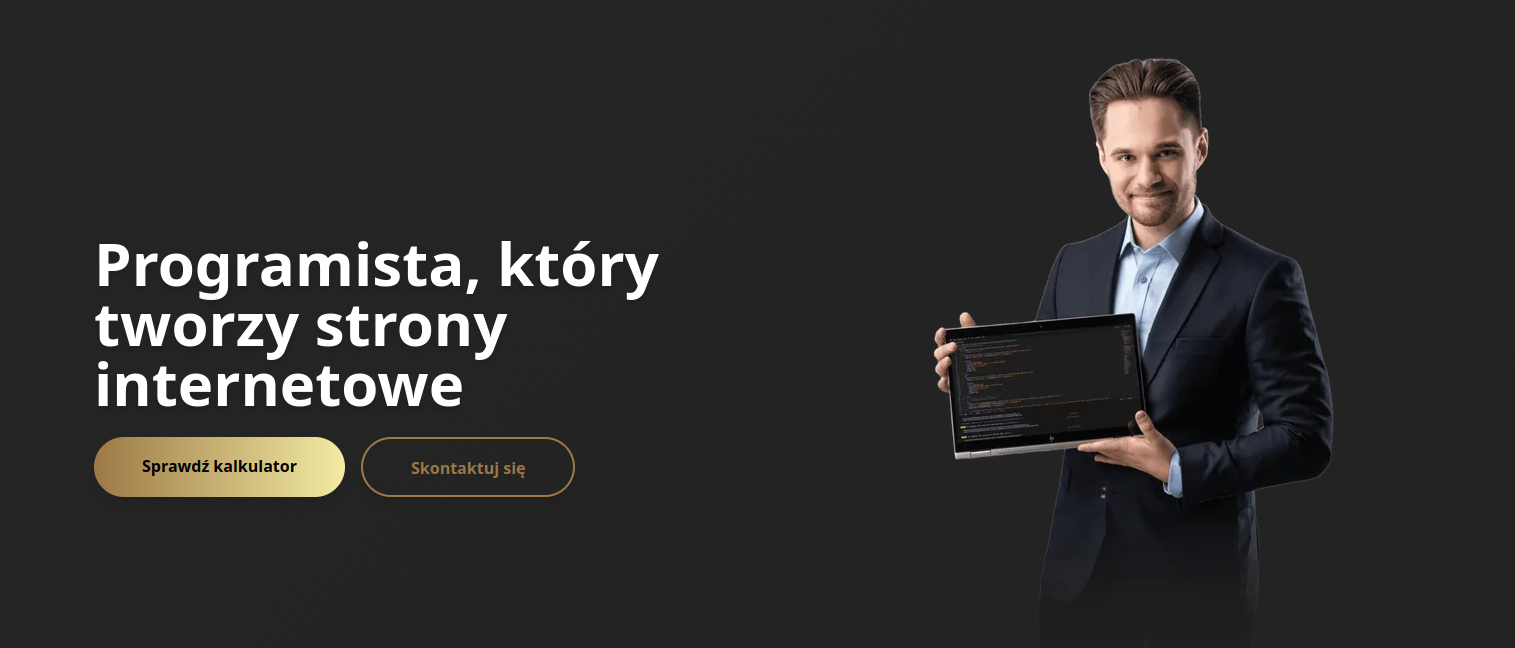
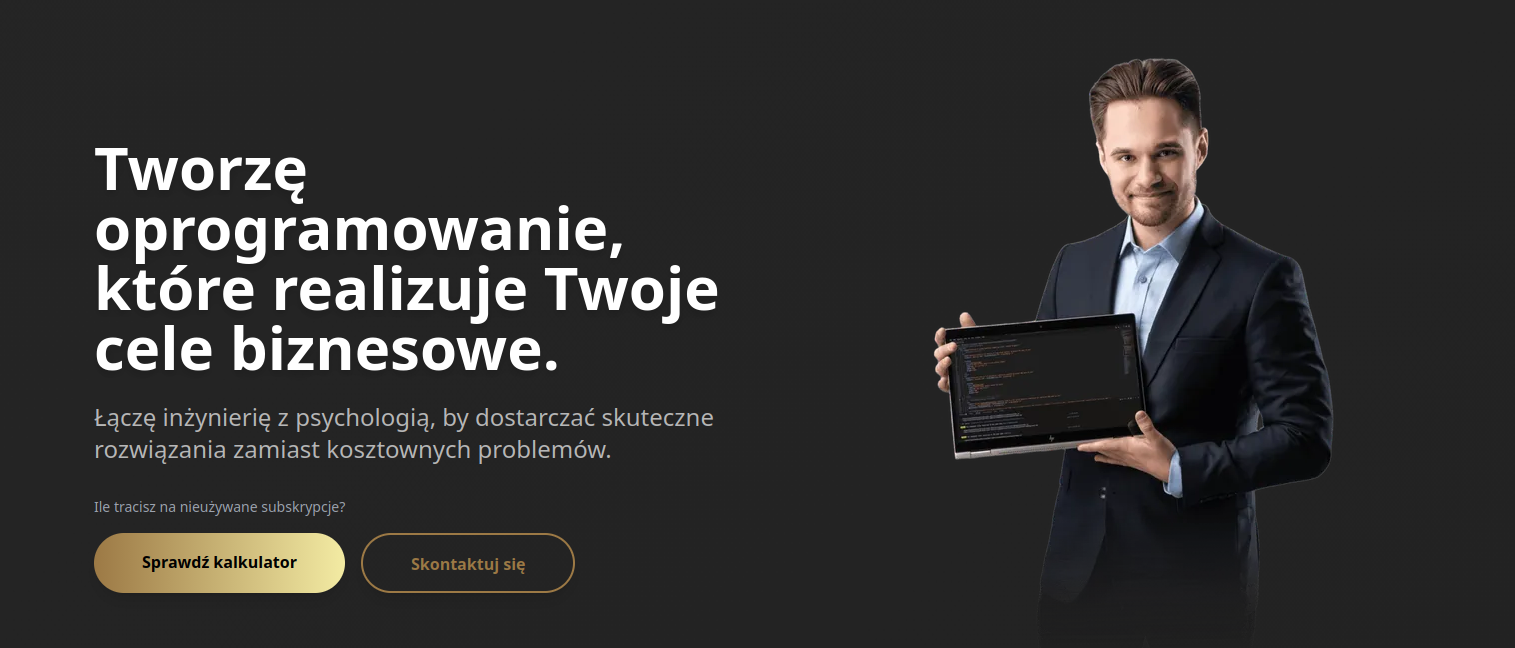
1. Hero Section: Hit the Pain/Desire
Stop writing 'Welcome to our website'. Nobody cares. The headline must scream about the client's problem or desire.
Declarative version:
Persuasive version:
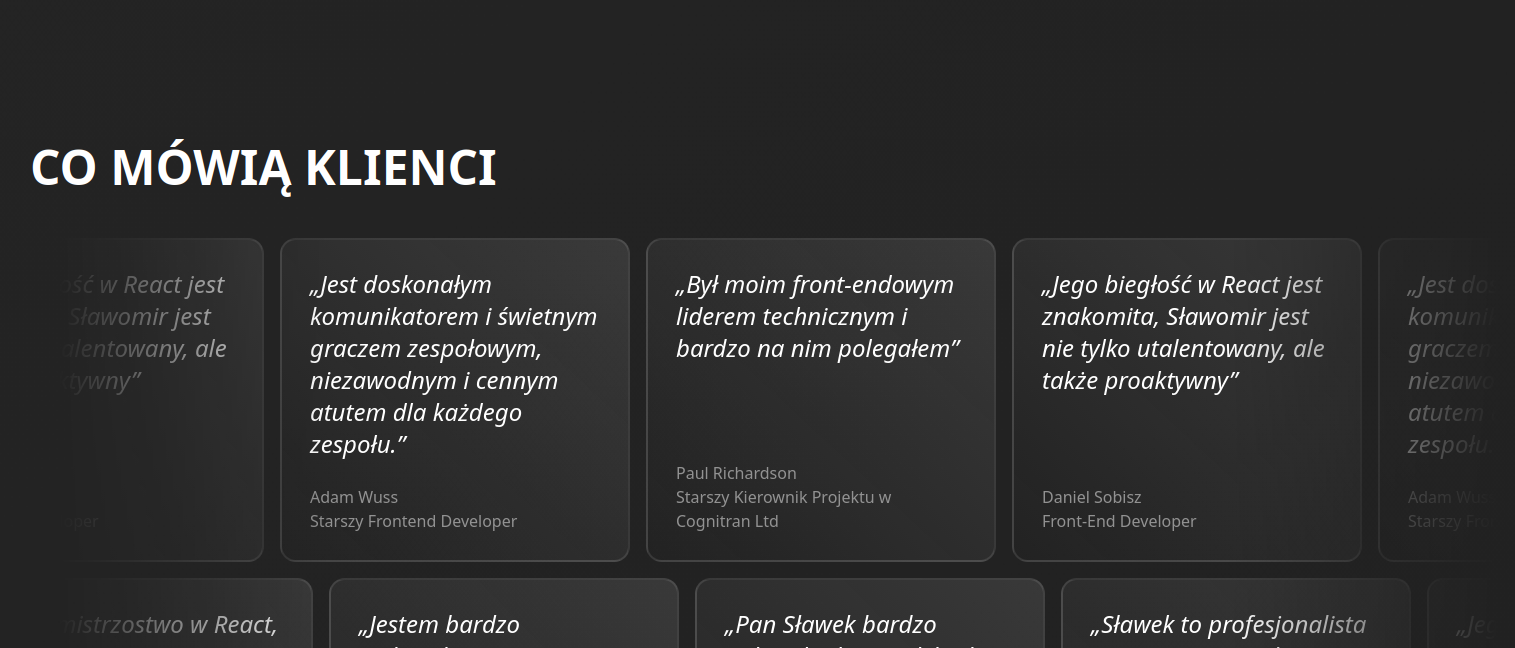
2. Social Proof
Before you start selling, prove that the herd has accepted you. Logos, numbers, testimonials. This calms the client's 'lizard brain': 'Others were here, it's safe'.
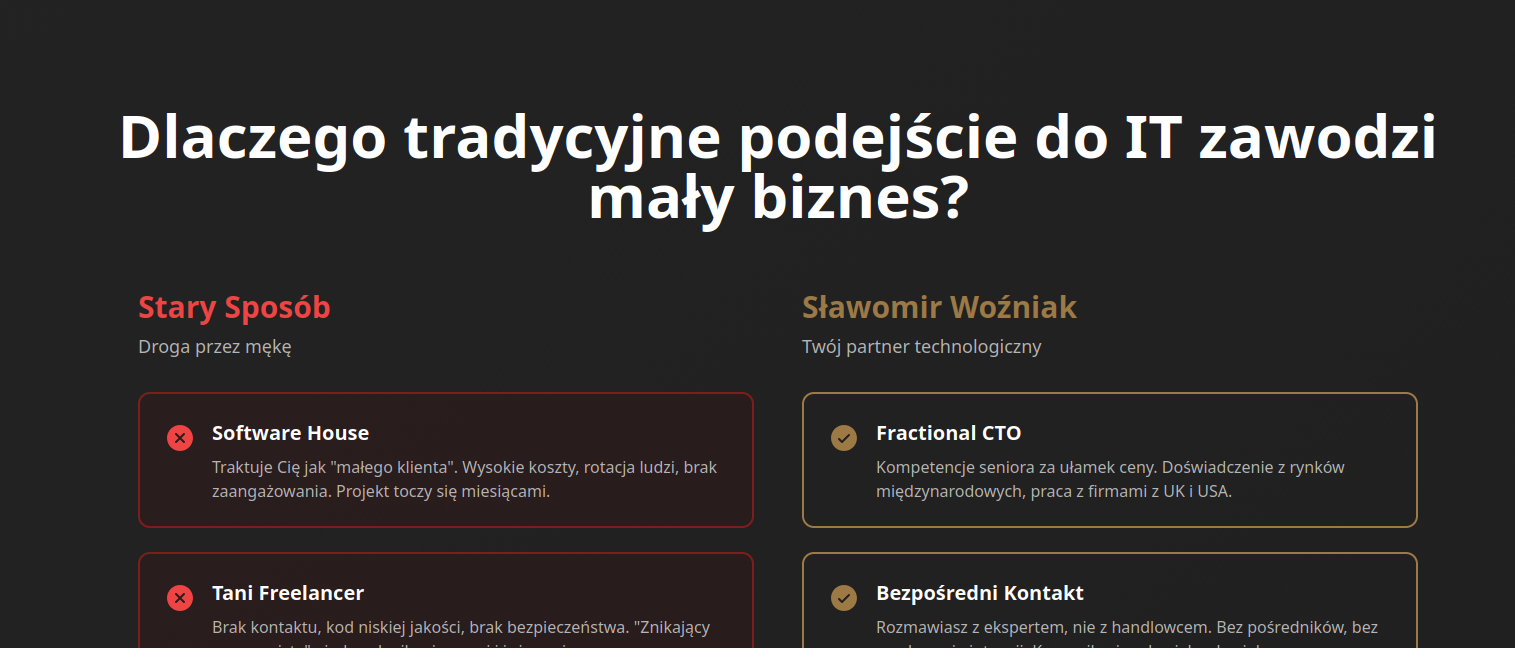
3. Old vs New (Comparison)
Show the client their current, exhausting reality (Old Way) and contrast it with the relief that your solution provides (New Way). Create a competency gap that you will fill.
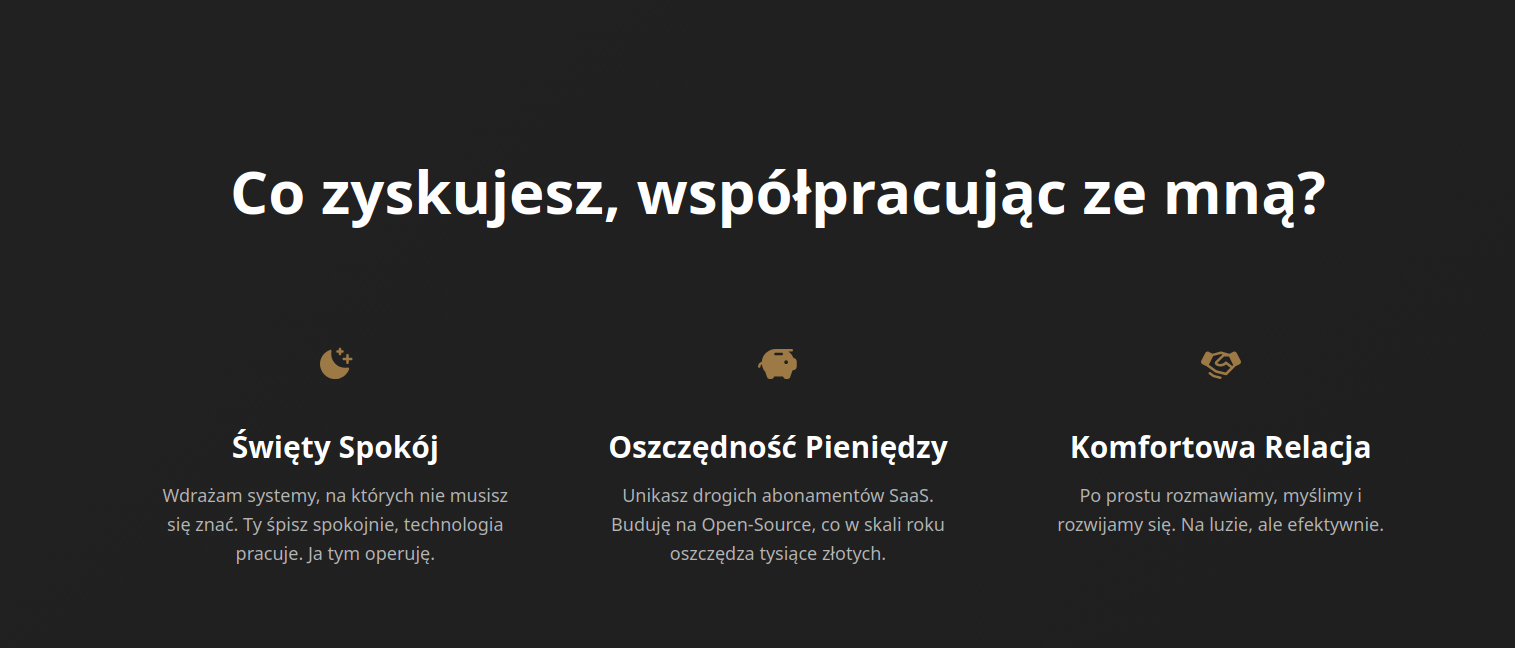
4. The Language of Benefits
Nobody cares about your 'clean code' or 'modern fleet'. The client only cares about transformation. What will THEY get out of it? Feature: Fast server → Benefit: Your sales won't stop on Black Friday.
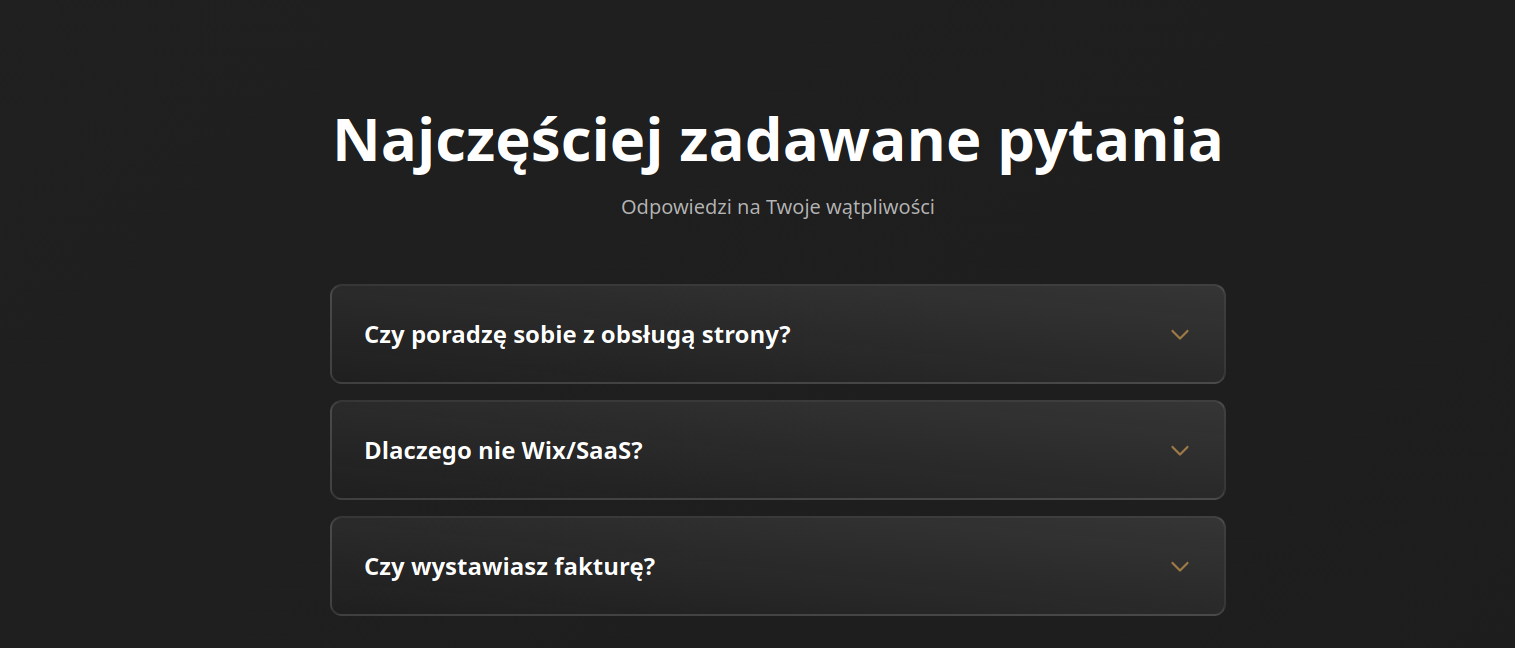
5. Price Anchoring and Prevention (FAQ)
Price is relative. Before you give the amount, show the value. And in the FAQ section, answer questions the client is afraid to ask ('What if it doesn't work?'). This builds the authority of an expert who 'reads minds'.
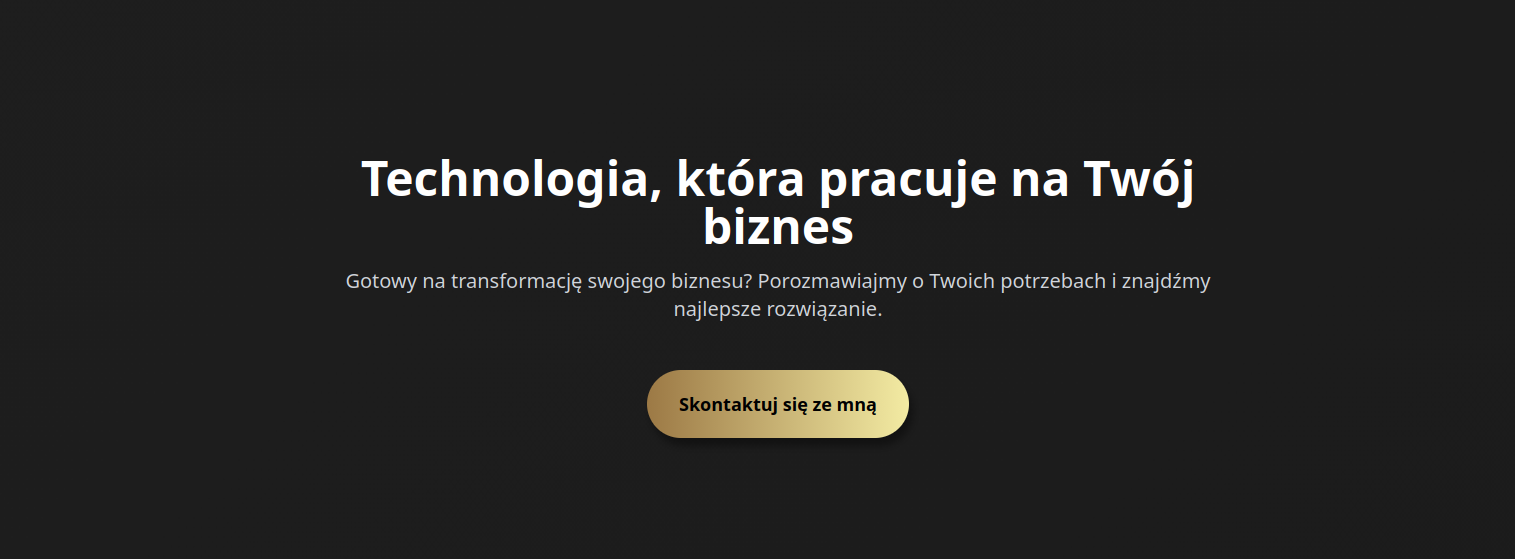
6. One CTA
This is the most important technical point. The more options you give, the less likely the client will choose something. That's why it should be very clear on the website what the next goal for the client should be.
Conclusions
They are simple.
Technology without psychology is a pure product that doesn't sell.
If you feel that your website needs not just a graphic refresh, but a strategic rebuild based on sales psychology – I am at your disposal.
We'll schedule a short conversation where I'll check if your website helps you earn money or just looks good.
Profitability and agency,
Sławek
If you need a website that builds trust and leads to a conversation, see the website offer .
Technology that works for your business
Ready to transform your business? Let's discuss your needs and find the best solution.