A fake Cloudflare check on WordPress. What the ClickFix attack looked like and how I removed it
On 28 October a client's website — a tax advisory firm running WordPress — showed a Cloudflare-style “Verify you are human” screen instead of its content. The real site was still there, just hidden underneath. Below is what it was, where it lived, and how I cleaned it up.
This is fresh. When I searched Google for the domains and the plugin name from this attack, I found maybe two articles about it. That is why I am describing it in detail — if you run into the same thing, you will have somewhere to start.

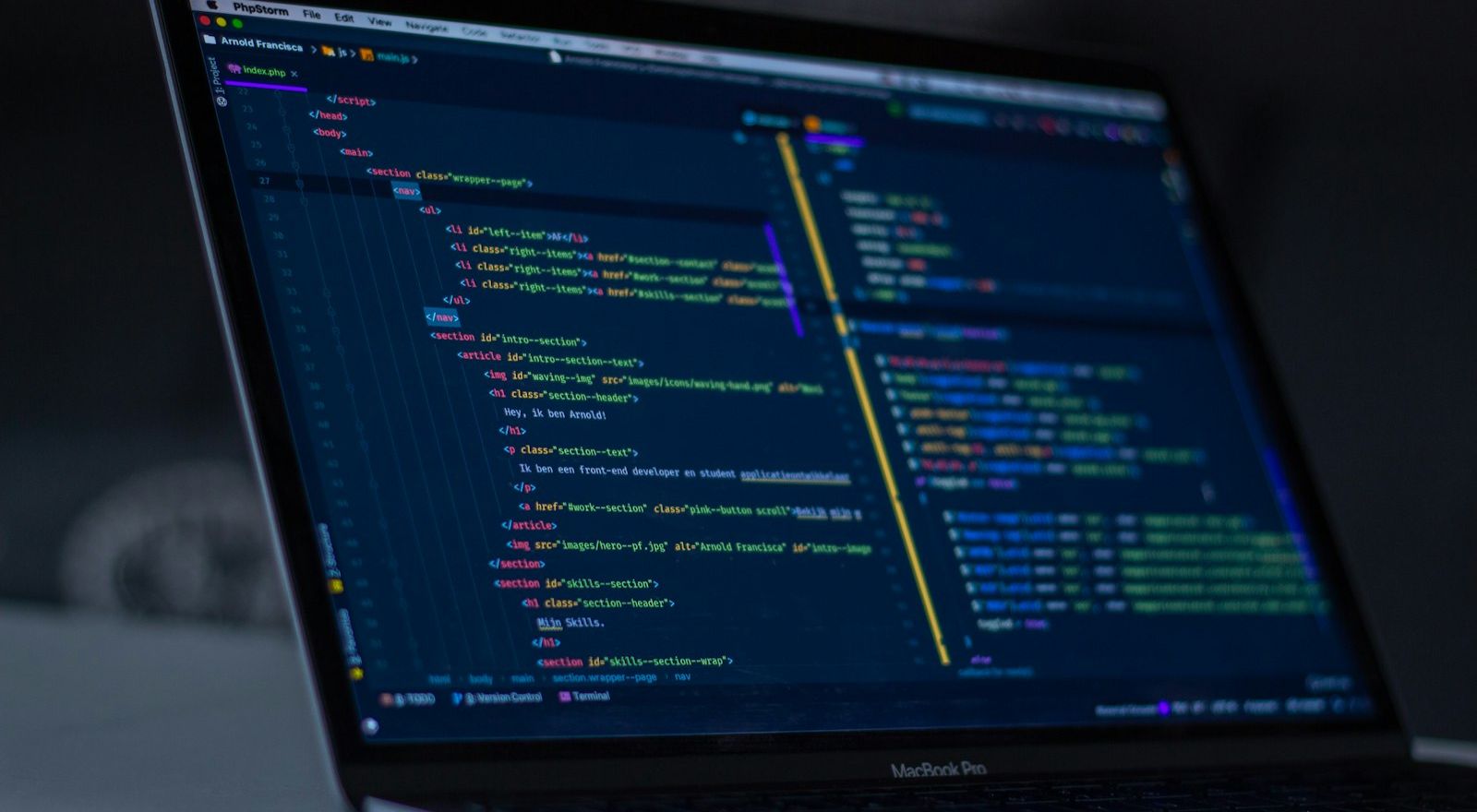
The dashboard can say everything is fine while visitors see something completely different. Photo: Zulfugar Karimov / Unsplash.
What visitors saw
Every public page had an injected block of code at the very start of the head section. It did two things:
- it hid the real page content (visibility: hidden) until a cf-on class was added to the document,
- it decoded a short list of URLs and loaded embed.js from the first host that answered.
The domains the script was loaded from:
- js-static.cfd
- js-static.pro
- js-static.site
- js-static.online
That script is a ClickFix page. It imitates a Cloudflare browser check and, on Windows, pushes the visitor to press Win + R, paste a command from the clipboard and hit Enter. The user ends up installing the malware themselves. This is not an isolated case — Switzerland's NCSC reports more than 100,000 compromised websites with fake CAPTCHAs, most of them on WordPress. The script detects the visitor's operating system and tailors the command for Windows or macOS.
Why the owner might not notice
This attack is built so the administrator does not see it:
- wp-admin looked normal — the code checked is_admin() and did not run in the dashboard,
- the wp-login.php screen was clean too, because that page does not call wp_head,
- on Linux the browser often never shows the overlay, because the remote script only builds the full prompt for Windows.
So the owner logs in, everything works, and customers visiting the site get a fake verification screen. CookieYes and Google Tag Manager in the theme header were legitimate and had nothing to do with it.
Where it lived: a fake plugin
The whole mechanism was one file: wp-content/plugins/plugin-autoupdate/plugin-autoupdate.php. WordPress listed it as “Plugin Autoupdate”, version 1.0.4, author “WP Helpers”. It is not a real plugin. It hooked into wp_head at priority 1, decrypted an encoded blob and printed it on every request. Nothing was stored in the database — so searching post content would have found nothing.
The same folder held a text file with about 50,000 usernames and passwords stolen from Chrome browsers — for completely unrelated websites. This site's domain was not in it. It is the attacker's loot, parked on someone else's server. I am not publishing it or passing it on.
How the plugin got onto the server is not known for sure. WP File Manager 8.0.5 was installed, which lets anyone with an administrator session write a PHP file into the plugins directory. That is a plausible second step, but it is not proof of how the attacker got in.
What was not infected
After copying all the files I checked the rest of the install (WordPress 7.1.4, Apache, PHP 8.5.12 running as uwsgi, hosted on home.pl):
- WordPress core (wp-admin, wp-includes and the root PHP files) matches the official checksums, with no extra PHP files,
- the active theme only adds CookieYes and Google Tag Manager,
- .htaccess only forces HTTPS and strips www, no auto_prepend,
- a database search for cf-hs, cf8x and js-static found nothing,
- an older copy of the site in the _old directory had no ClickFix signatures.
Was this the October PHP bug?
That was the obvious first guess, since a critical PHP fix had come out a week earlier. The answer is no.
PHP2Shell, tracked as CVE-2026-109618 and described in GHSA-w8hw-w9fx-j79w, allows unauthenticated remote code execution. The most dangerous path is Apache with mod_php. Fixes shipped on 21 October 2026 in versions 8.2.35, 8.3.36, 8.4.27 and 8.5.12.
This site was already on PHP 8.5.12 and running as uwsgi, not mod_php. The overlay came from a planted plugin, not from a PHP memory bug. If you are on an older version, though, the PHP Foundation recommends updating right away. “PHP is old” and “there is an overlay on the site” are two separate problems.
What I did
- Deleted the fake plugin and WP File Manager. Directly on the server. The home page and blog stopped loading the script.
- Cleaned up the accounts. Changed the trusted administrator's password, demoted every other administrator to subscriber, checked their email addresses and registration dates, and revoked application passwords.
- Replaced the salts in wp-config.php. All eight. That logs out every existing session — including any the attacker may have had.
- Searched the database. Better Search Replace in dry-run mode, no matches. The plugin was only a temporary tool.
- Changed the MySQL password. In the home.pl panel and straight away in wp-config.php. The database was not reachable from the internet, but the password sat in plain text in a file the attacker may have been able to read.
If this is your site
If your WordPress site shows a fake Cloudflare check, in this order:
- Delete the fake plugin directory on the server. After a reload the page content should no longer be hidden and the browser should not request embed.js.
- Change the passwords of administrators you trust. Demote or delete accounts you do not recognise. Check the email on each account before sending a reset link — a reset to an attacker's inbox hands them the site back.
- Replace the salts in wp-config.php. You can generate a fresh set at api.wordpress.org/secret-key/1.1/salt/.
- Search the database for cf-hs, cf8x and js-static. A dry run is enough. Remove the search tool afterwards. Do not install a file manager or a phpMyAdmin-style plugin for this — that is exactly the class of tool that makes the next break-in easier.
- Change the database password and wp-config.php in one sitting. Changing only the file takes the site down. Changing only MySQL does nothing until the file matches.
- Check the PHP version and SAPI. In the dashboard: Tools → Site Health → Info. And turn on two-factor login for administrators.
If you are a visitor
A real Cloudflare check never asks you to press Win + R, open PowerShell or Terminal, and paste anything. If a site asks you to — close the tab and do not paste anything.
A plugin is code on your server too
This case shows well that “the dashboard looks fine” does not mean “the site is clean”. The attack was hidden from the administrator, left no trace in the database and posed as a harmless auto-update plugin. One PHP file in the plugins directory was enough.
Fewer plugins and fewer people with administrator rights mean a smaller attack surface. A file manager inside the WordPress dashboard is a convenience that, in the wrong hands, gives full access to the server.
All the best,
Sławek
If you need a website that builds trust and leads to a conversation, see the website offer .
Technology that works for your business
Ready to transform your business? Let's discuss your needs and find the best solution.