Website accessibility in 2026: 95.9% of sites have errors, and the law is already in force
Since 28 June 2025, online stores in Poland have to be accessible to people with disabilities. More than a year later I still see the same mistakes: grey text on a white background, buttons with no label and forms you can't fill in with a keyboard. Below I check who the law really covers, how big the fines are and what websites look like in numbers.

Some of your customers read your site with their fingers or ears, through a braille display or a screen reader. Photo: Elizabeth Woolner / Unsplash.
Who the Polish Accessibility Act applies to
The act on ensuring accessibility requirements for certain products and services, known as the Polish Accessibility Act, is Poland's version of the European Accessibility Act (EAA). It covers online banking, e-books, transport and e-commerce services, meaning online stores and other sites where consumers sign a contract online.
The key exception: the rules don't apply to services provided by microenterprises, meaning companies with fewer than 10 employees and turnover or a balance sheet of up to EUR 2 million. Both conditions must be met. 11 employees and a small turnover? You're no longer micro. The exception also doesn't cover regulated products you sell, such as e-book readers.
The fine is up to ten times the previous year's average monthly wage, but no more than 10% of the company's turnover. The authority considers how serious the breach is and how many people it affects ( biznes.gov.pl). It can also order fixes or ban the service.
How much is that? According to Statistics Poland (GUS), the average wage in 2025 was PLN 8,903.56, so the upper limit is about PLN 89,000.
What websites look like in practice
Every year WebAIM tests the home pages of the top one million websites. In the WebAIM Million 2026 report, 95.9% of pages had automatically detectable WCAG errors (94.8% a year earlier). On average 56.1 errors per page, 10% more than last year. The most common problems:
- low contrast text: 83.9% of pages,
- images without alternative text: 53.1%,
- form fields without labels: 51%,
- empty links: 46.3%,
- empty buttons: 30.6%.
These aren't exotic problems. It's a cart icon with no description, an "email" field with no label and light grey text that looks nice in the design file. Automated tools catch only some errors, so the real picture is worse.
This isn't a niche
According to Eurostat, in 2024 23.9% of people aged 16+ in the EU reported a disability, meaning a long-standing limitation in everyday activities. Among people aged 85+ it was 72.3%. Add anyone reading their phone in full sunlight or with a broken arm.
In the Polish SAT 2026 survey, reported by XYZ (600 people, June 2026), 45.5% of respondents gave up on doing something online at least once in the past year because of problems with the website. The most common complaints were using services on a phone (28.2%) and text that was too small or unreadable (23.2%).
In a store, every one of those is an abandoned cart. Accessibility isn't just a regulation, it's sales.
Where to start
You don't need to order an expensive audit right away. This is how I start:
- Check whether the law covers you. Count your employees and turnover. If you're micro, you have no obligation, but customers with disabilities still come to you.
- Run a free test. WAVE or Lighthouse in Chrome will show contrast issues, missing image descriptions and field labels in a few minutes.
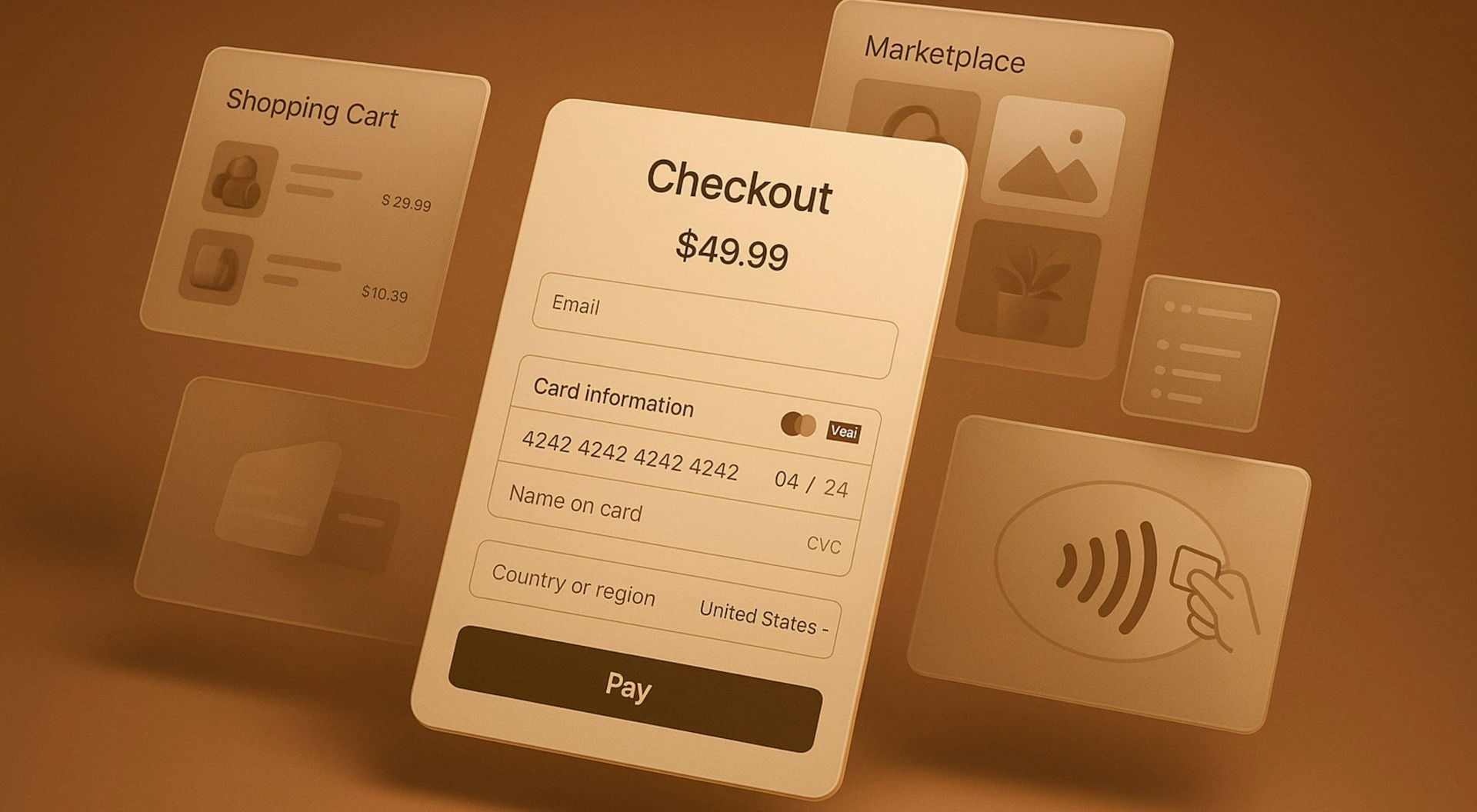
- Go through checkout with the keyboard only. Tab, Enter and space. If you can't add a product to the cart and pay, that's your biggest problem.
- Fix your forms. A label for every field, clear error messages and no hidden format requirements.
- Describe your service's accessibility. The law requires information on how the service meets accessibility requirements, for example in your terms or on a separate page.
- Don't rely on a "one-click" overlay. A plugin with a little person icon in the corner won't fix the site's code. In my view, the fixes have to go into the theme.
An accessible website is a better website for everyone
Good contrast, labelled buttons and keyboard support help everyone, not just people with disabilities. Google also understands your site better along the way.
If you run an online store and want to know how much work is ahead, check out my online store offer. I start by going through your checkout and finish with fixes in the code, not with another plugin.
All the best,
Sławek
If you want a store that doesn't lose customers at checkout, see the online store offer .
Technology that works for your business
Ready to transform your business? Let's discuss your needs and find the best solution.