Business backups: ransomware goes after your backup first
Almost every company I talk to says "we have a backup". When I ask when they last restored anything from it, it goes quiet. The data is harsh: ransomware in Poland is growing, and in almost every attack criminals try to destroy the backups first. Below are the numbers and a simple list for checking whether your backup will survive an attack.

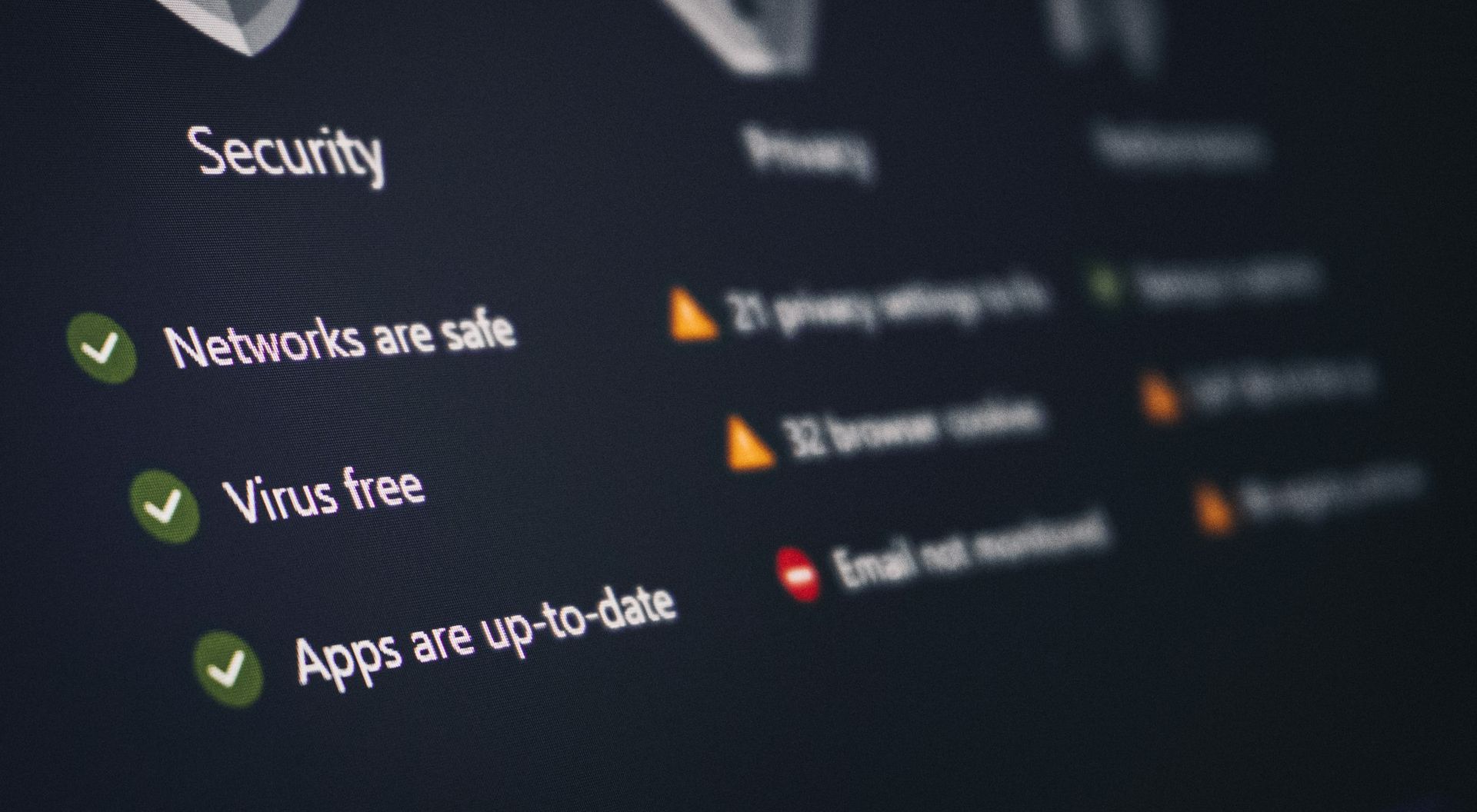
Ransomware locks you out of your own data. A working backup is the only key you don't pay a ransom for. Photo: FlyD / Unsplash.
What the Polish data says
According to the CERT Polska annual report for 2025, the team registered 260,783 incidents, 152% more than a year earlier. There were almost 3,500 malware incidents (+81%) and 179 ransomware attacks, 21% more than in 2024. That's one attack every two days on average, and only the reported ones.
Eurostat shows the same from the company side. In "Digitalisation in Europe 2026", 32% of Polish businesses reported an IT security incident in 2024, such as unavailable services or destroyed data. The EU average is 22%. Only Finland was higher.
You have a backup, but will it survive an attack?
On paper it doesn't look bad. According to Eurostat, 79% of EU companies back up data to a separate location or the cloud. Among small companies (10 to 49 people) it's 77%, so almost one in four has no copy outside the main system.
The problem is that criminals know this. In a Sophos analysis (2,974 companies hit by ransomware), 94% of victims said attackers tried to get into their backups. They succeeded 57% of the time. The difference in outcomes is huge:
- 67% of companies with compromised backups paid the ransom, against 36% with intact ones,
- median recovery cost: $3 million instead of $375,000, eight times more,
- 26% of companies with compromised backups were back within a week, against 46% with working ones.
There is good news too. In the Sophos State of Ransomware 2026 report, companies recovered data from backups in 66% of attacks with encryption, 12 percentage points more than a year earlier. But the smallest companies surveyed (100 to 250 people) stopped the attack before encryption only 34% of the time.
Sophos surveys companies with 100 or more employees. Smaller businesses usually have even fewer people looking after backups. The most common "backup" I see at clients is a USB drive that's always plugged in or a folder synced to the cloud. Ransomware encrypts both.
The 3-2-1 rule and the one thing everyone forgets
The classic: 3 copies of your data, on 2 different media, with 1 off-site. I add one more rule: at least one copy has to be immutable or offline. That means a copy that can't be deleted or overwritten from the admin account, even if someone takes it over.
This isn't theory. An attacker who takes over the admin account deletes the backups first and only then encrypts the files. That's why the backup needs separate credentials and separate permissions.
How to check your backup in one afternoon
You don't need an IT department right away. Start with this:
- List what's critical. Invoices, customer database, email, store, documents. Decide how many days of work you can lose without panic. That's your target.
- Check where the backup physically sits. If it's only on the same server or on a drive that's always plugged in, it isn't a backup.
- Do a restore test. Once a quarter, restore a random folder or the whole website to a test server. A backup nobody has restored is just hope.
- Separate access to the backup. A different account, a different password, two-factor login. Ideally an immutable or offline copy.
- Don't confuse syncing with backup. A cloud drive that syncs files will sync encrypted files too. You need versioning and change history.
- Write down a plan for the day of the incident. Who calls whom, where you restore from and in what order. Nobody will figure that out under stress.
You check your backup before an attack, not during one
Most companies find out whether their backup works on the day of the attack. I'd rather my clients knew earlier.
If you want your company files in your own cloud, with versioning and copies outside the server, check out my Nextcloud private cloud offer. I set up the backups, test restores and show you how to check them yourself.
All the best,
Sławek
If you want files and tools on your own server, see the private Nextcloud offer .
Technology that works for your business
Ready to transform your business? Let's discuss your needs and find the best solution.